 01
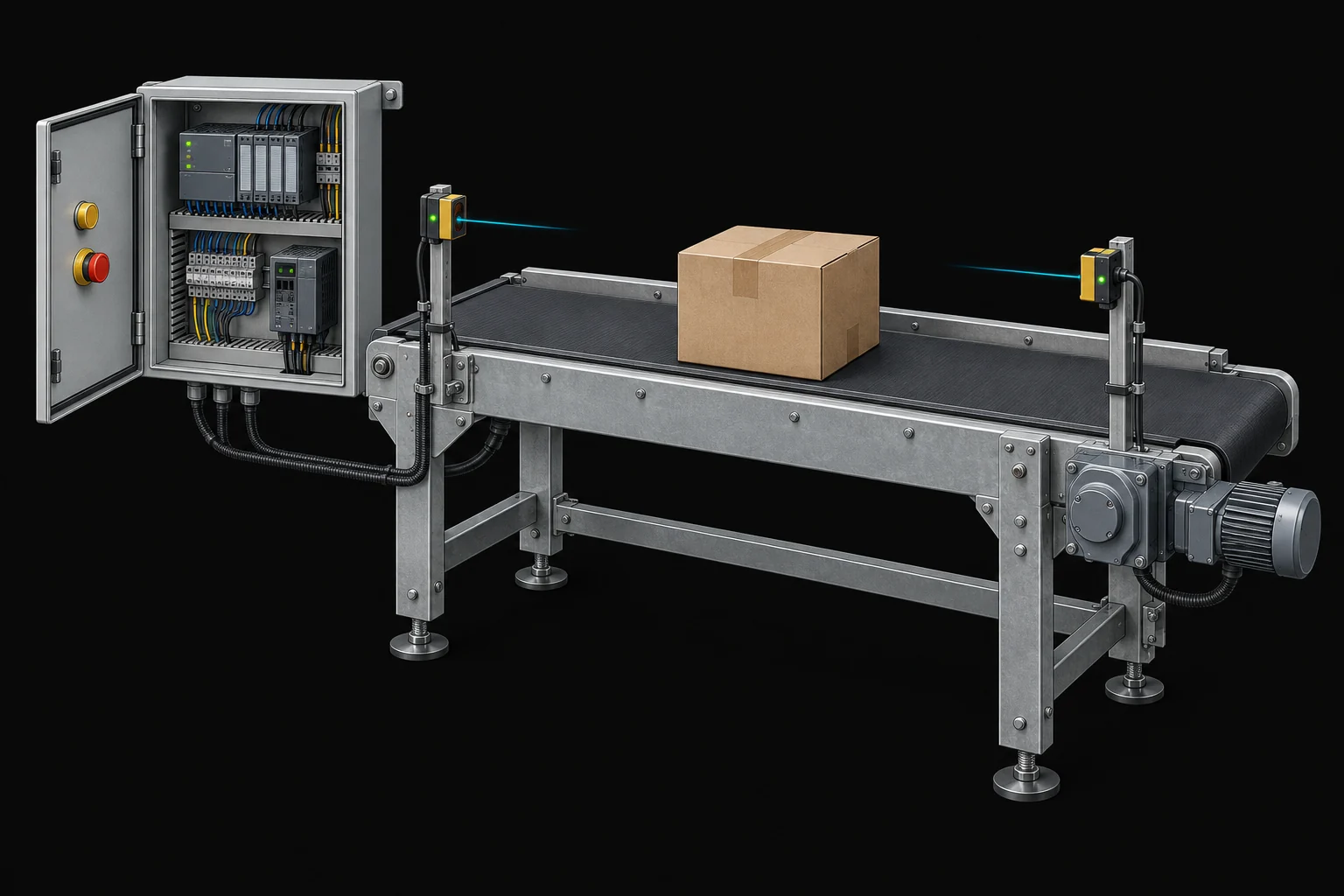
01The transfer station
Why must the belt keep going after Start is released, but stay stopped after a carton is removed?
Open the worked projectA practical fieldbook for PLC programmers
A machine arrives as a messy request. Learn how to turn it into signals, decisions, a program, and evidence that it works.
01 — 36
Each part leaves you with something you can make yourself. Use that as the check before moving on.
The equipment changes. So do the questions you must ask.
01Why must the belt keep going after Start is released, but stay stopped after a carton is removed?
Open the worked project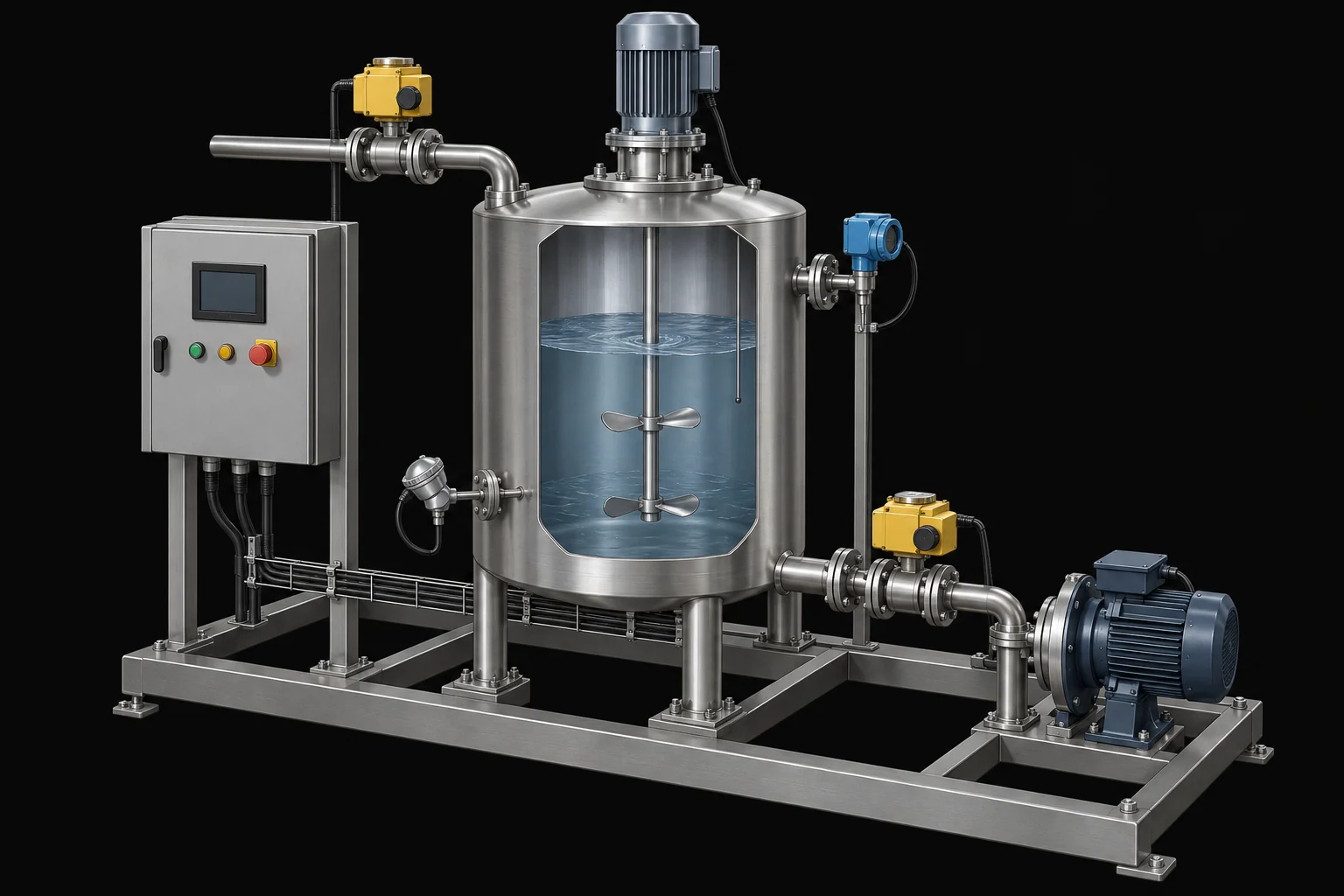 02
02What happens if an operator changes the recipe while the tank is already filling?
Open the worked project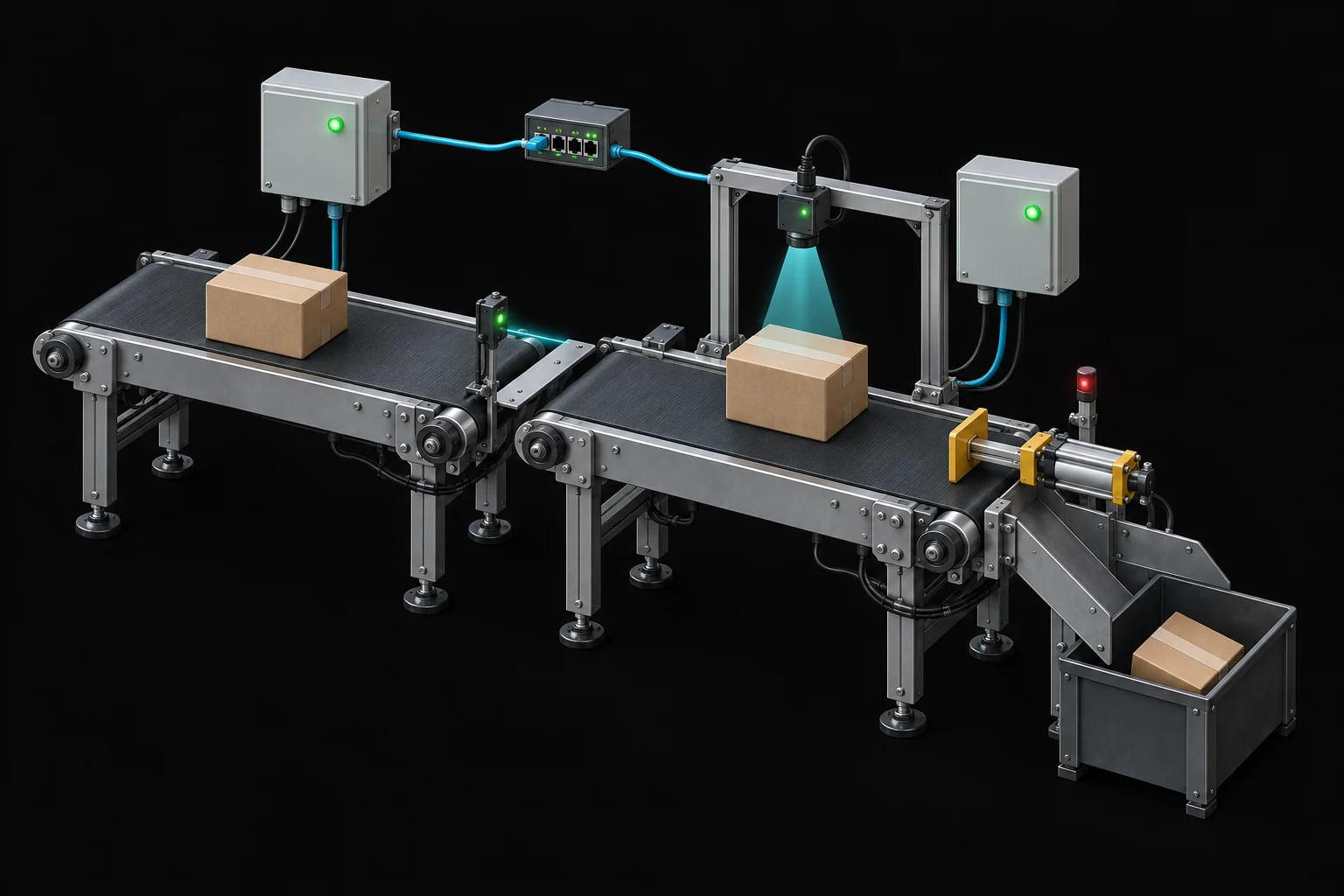 03
03How do you reject the right carton when another inspection result arrives before it reaches the rejector?
Open the worked projectConceptual machine illustrations. The accompanying diagrams define the control assumptions.
Follow the belt command backwards: what permits it, what remembers it, what ends it, and what proves it worked?
Download the starting worksheet (.md)
Structured Text and Ladder, signals and hardware, timers, sequences, analog control, motion, communications, testing and four worked machine projects.
Turn a vague machine request into observable behaviour before opening the editor.
Specify priorities, operating limits and acceptance tests that remove guesswork.
Connect physical events to meaningful inputs, outputs and feedback.
Trace input sampling, logic execution and output updates one phase at a time.
Build clear Boolean decisions and check them with truth tables.
Use latches and edges deliberately, with explicit reset and restart behaviour.
Translate conditions into contacts, branches and coils without losing ownership.
Express decisions, sequences and bounded calculations in readable code.
Distinguish elapsed time, delayed actions and missed conditions.
Count transitions rather than scans, and reason about bounce and missing pulses.
Describe what happens next, what allows it, and what must always remain true.
Design manual, automatic, stopping and recovery behaviour together.
Separate calculations from stateful devices and define clear interfaces.
Represent a machine with explicit units, bounds and data ownership.
Turn measurements into engineering units while preserving signal quality.
Understand feedback, response, saturation and integral action.
Separate a run request from readiness, motion feedback and drive faults.
Reason about homing, limits, motion commands and completion.
Choose communication boundaries and detect stale or missing data.
Make status, commands and recovery clear to the person running the machine.
Capture useful fault evidence and separate acknowledgement from reset.
Transfer work between machines with explicit ownership and handshakes.
Validate production parameters and keep a running batch consistent.
Organize signal mapping, devices, coordination and diagnostics into clear layers.
Distinguish programming conventions, electrical rules and functional safety responsibilities.
Turn requirements into repeatable boundary, fault and recovery tests.
Prepare a controlled commissioning plan and record what was actually verified.
Use traces and controlled experiments to find causes rather than guess at fixes.
Plan changes, access, backups and restoration for the life of the machine.
Find bottlenecks with evidence before changing code or hardware.
Work through a conveyor brief, state model, implementation and acceptance tests.
Combine measurements, valves, recipes and fault handling into a batch design.
Track products and inspection decisions through a complete reject sequence.
Design buffers, ownership and recovery across concurrent stations.
Review a flawed design, explain the consequences, and justify a better one.
Apply the method independently and hand over a program another person can maintain.
An original TryPLC teaching text. Hugh Jack’s book is further reading, not the source of this manuscript. Consult current manufacturer documentation for your target.
Hugh Jack — Automating Manufacturing Systems with PLCs, version 4.7 (2005)
PLCopen — Software Construction Guidelines
IEC 61131-3:2025 — language scope and edition
Ordinary control examples are not safety functions. Real equipment requires its own risk assessment, hardware design and validation.